 优创资源
正在加载内容
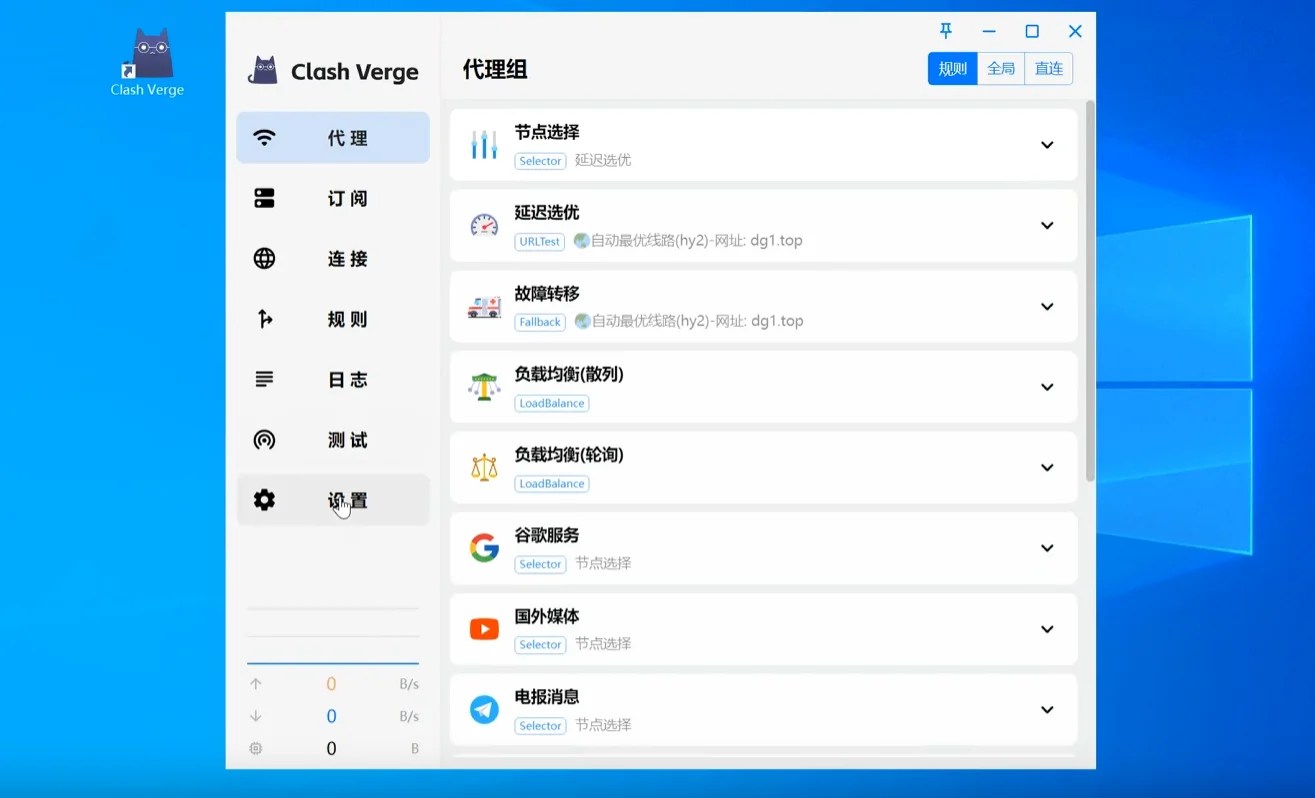
Clash Verge 客户端图标更换
2025年12月16日 · 优创资源
这里我换成开发者同款
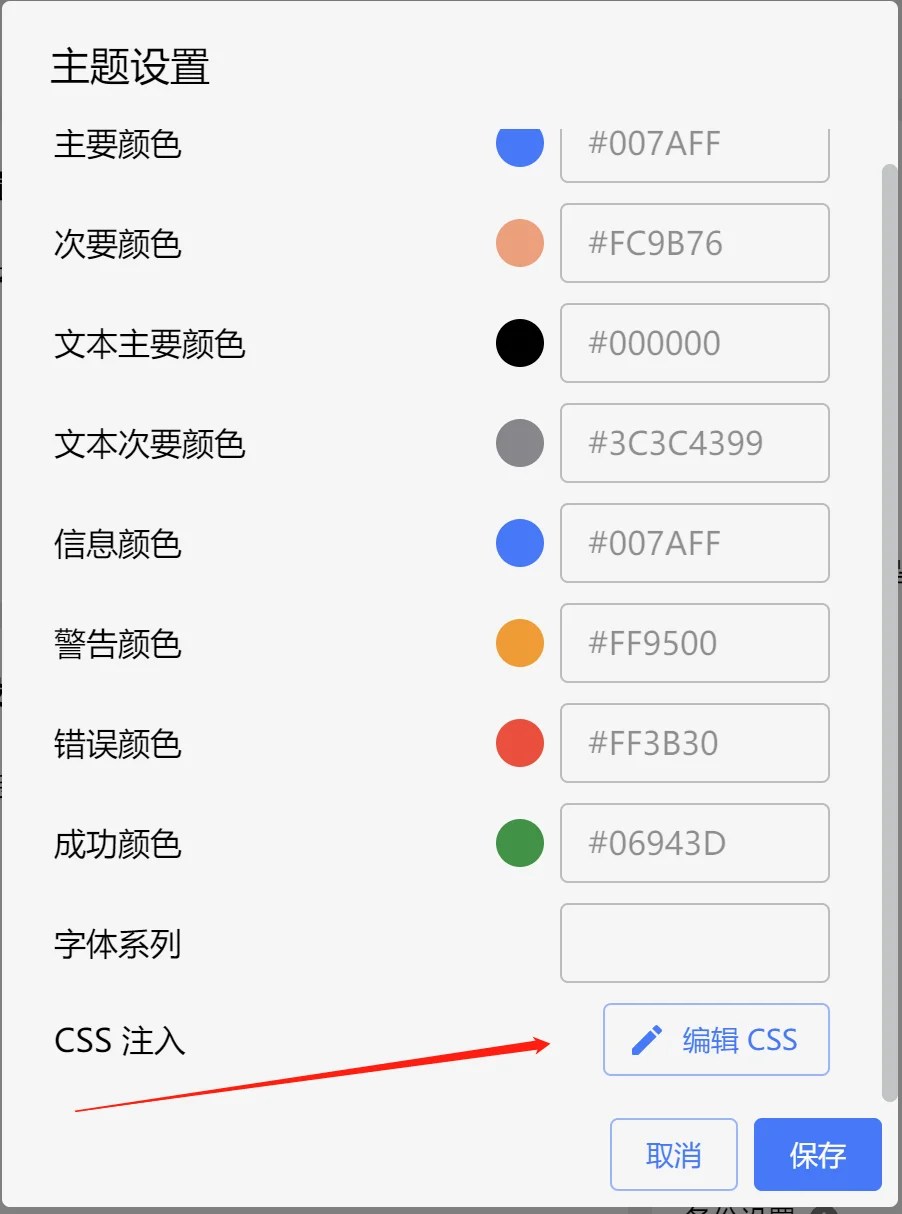
 2、设置>主题设置
 5、自定义Clash-Verge桌面图标/任务栏图标
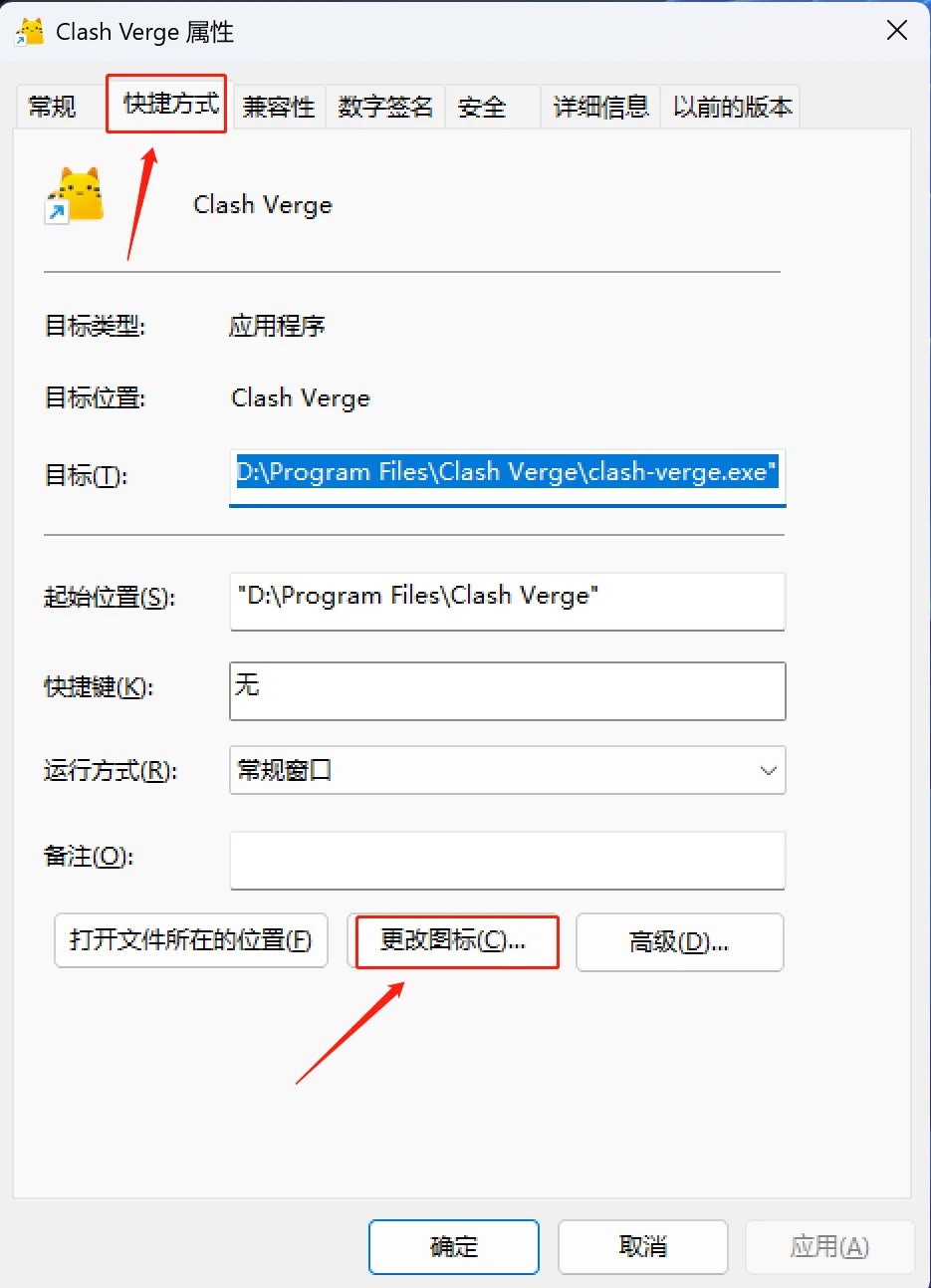
1.右键桌面图标>属性>快捷方式>更改图标>浏览
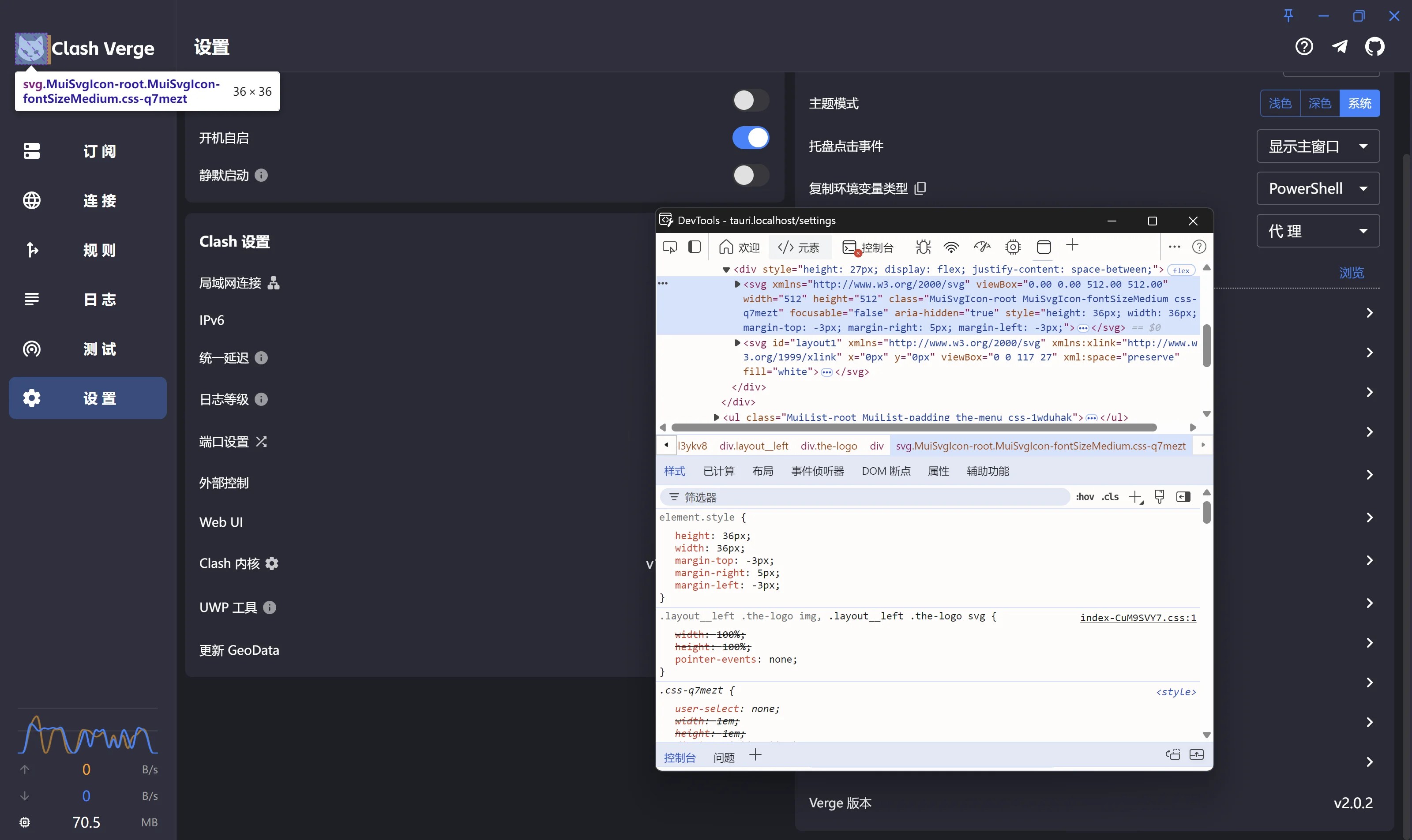
1、通过开发者工具找到代码段并调试成喜欢的样子(普通用户直接跳过)
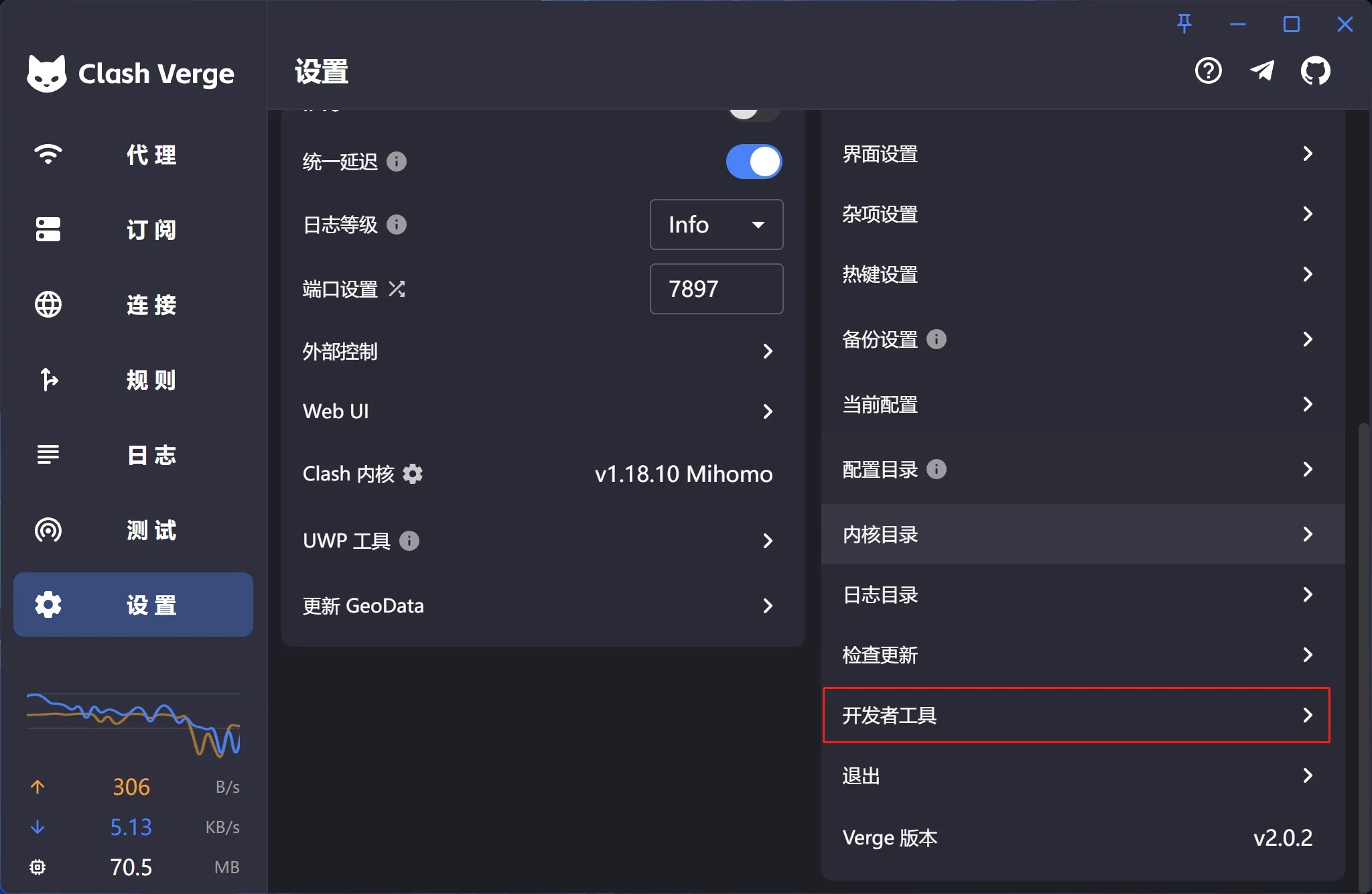
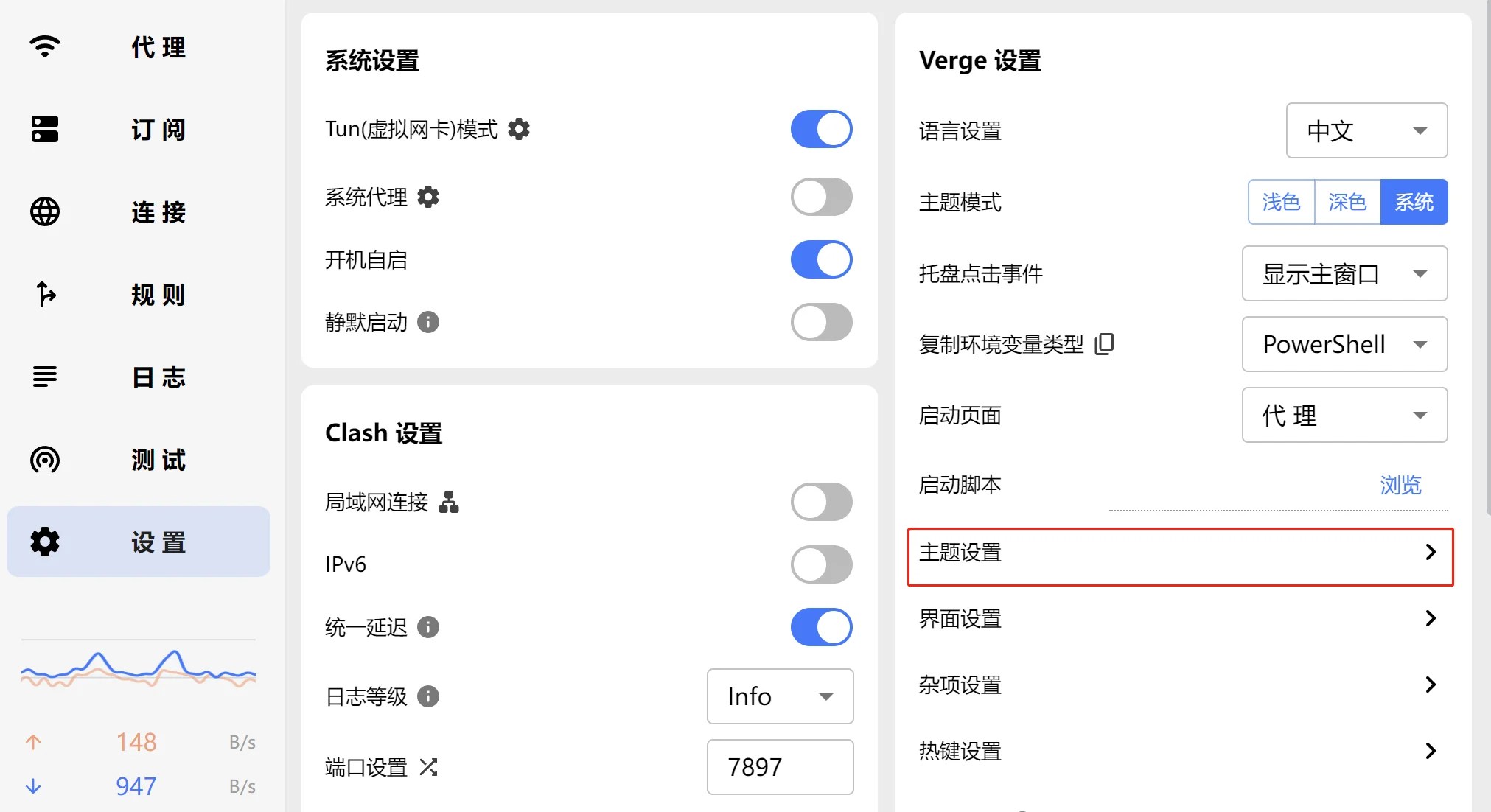
2、设置>主题设置
点击编辑CSS
3、粘贴CSS代码并保存
/* 隐藏第一个SVG */ .the-logo>div svg:first-of-type { display: none; } /* 在 .the-logo > div 中创建一个新的 div */ .the-logo>div::before { content: ''; display: block; width: 46px; /* 设置与第一个SVG一样的宽度 */ height: 46px; /* 设置与第一个SVG一样的高度 */ left: 5px; bottom: 8px; background-image: url('https://clashverge.net/wp-content/uploads/2023/11/cropped-logo.png'); /* 把链接更换为自定义图片 */ background-size: contain; /* 保持比例 */ background-repeat: no-repeat; background-position: center; position: absolute; /* 确保它可以精确定位 */ } /* 保证第二个SVG正常显示,不受影响 */ .the-logo>div svg:nth-of-type(2) { display: block; margin-left: 40px; }
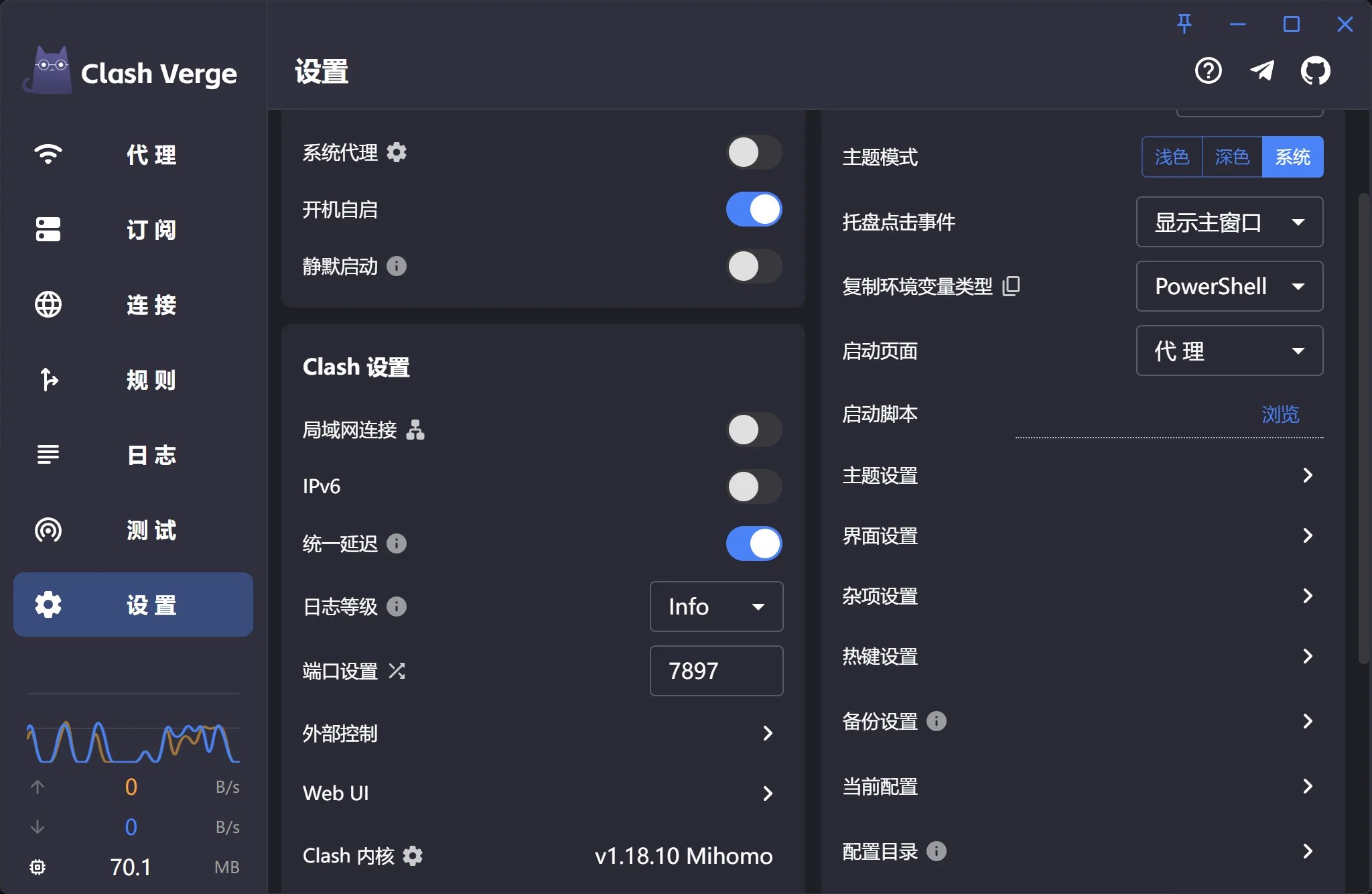
最终效果
5、自定义Clash-Verge桌面图标/任务栏图标
1.右键桌面图标>属性>快捷方式>更改图标>浏览
2.>选择电脑本地图标,==必须为ico格式==
3.>选中后打开>确定>应用即可
4.任务栏图标刷新需要退出重启Clash-Verge
